Route MakerPro

You're offline. Check your connection, then try again.

Routing · Tracking · Proof of service

Route software your crew will actually use

Plan the route, prove every job with photos, then send the invoice and get paid, all from one app your drivers already know how to use.

No credit card

See it for your trade

Built for your trade

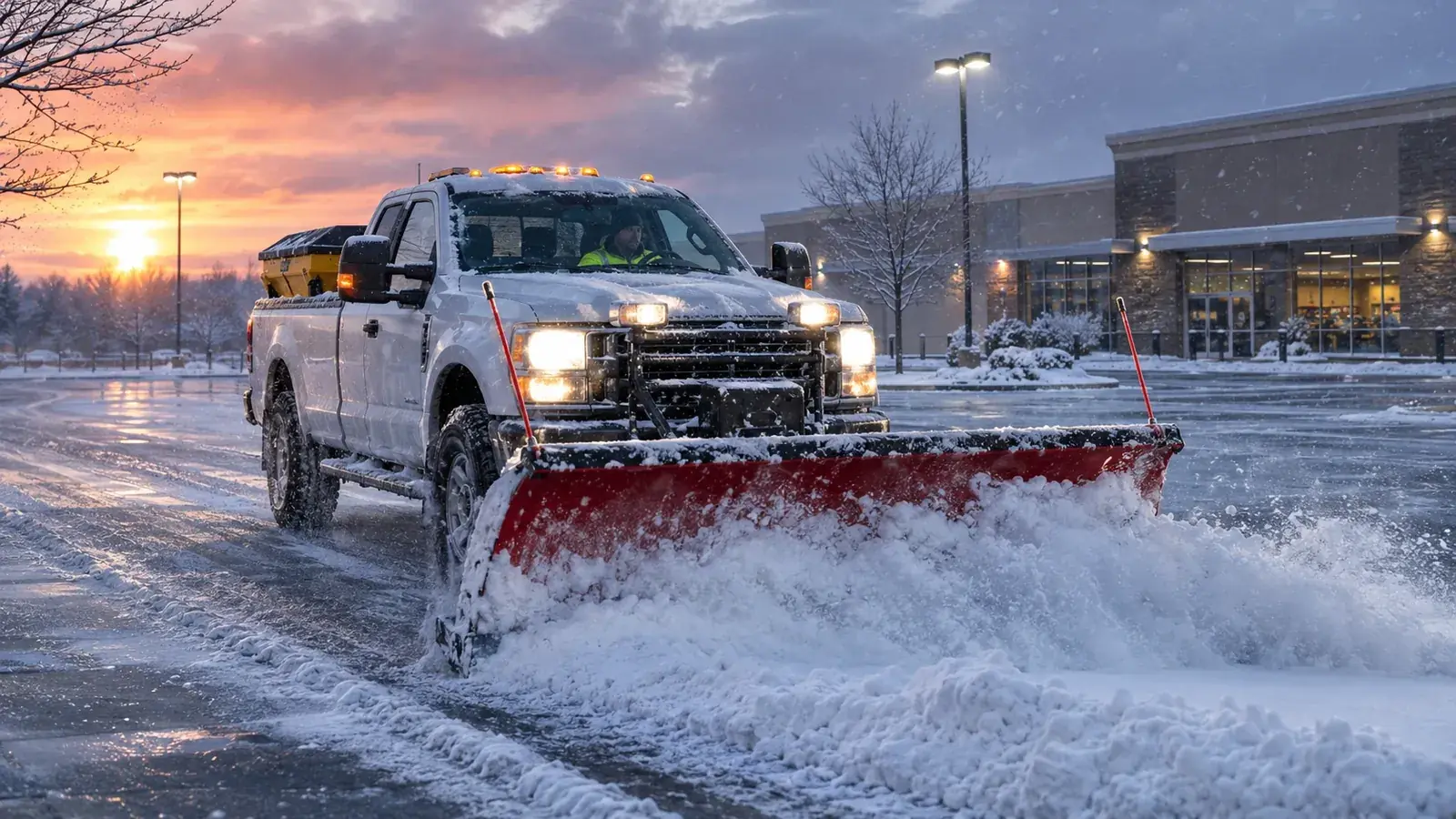
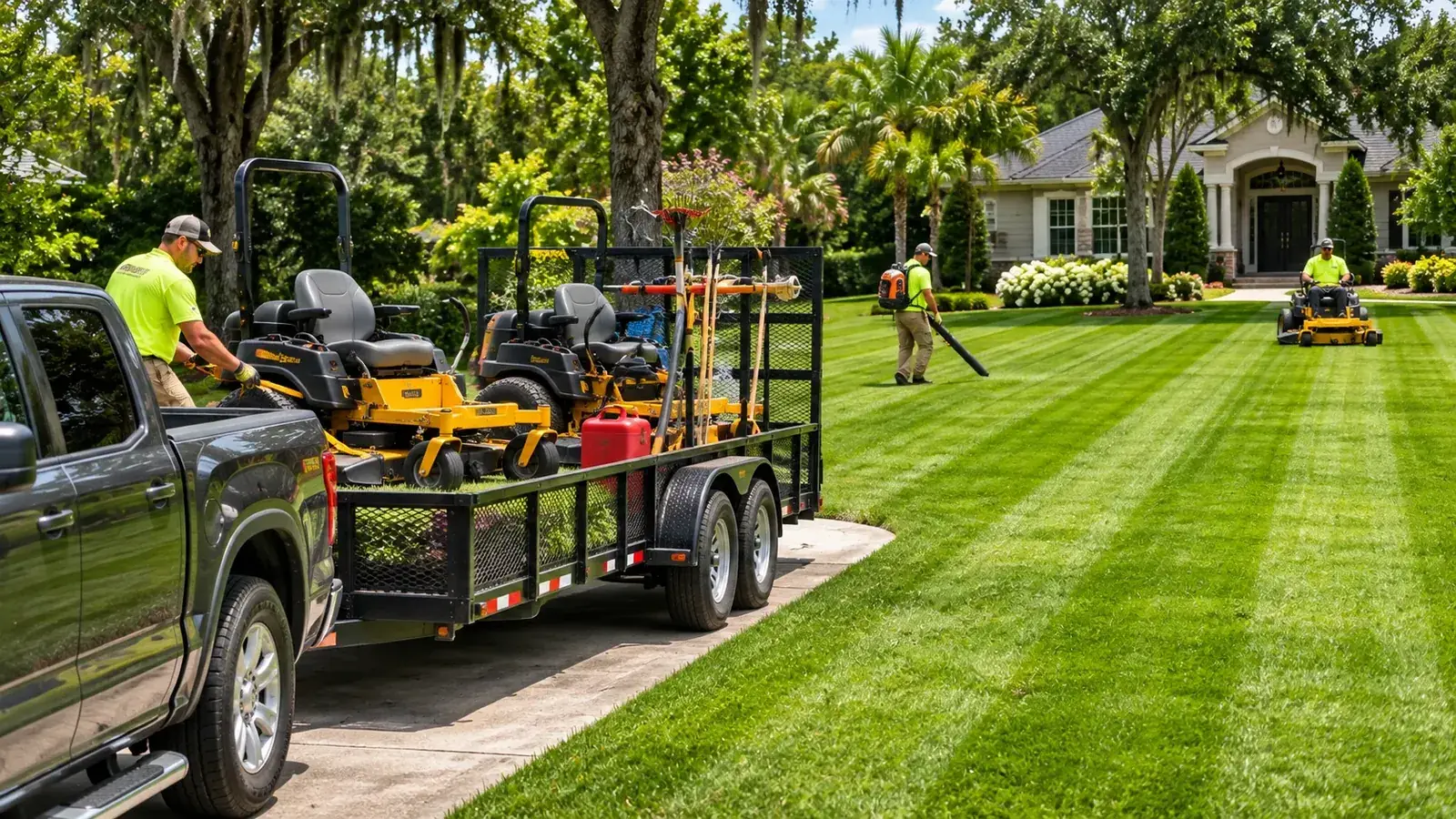
Pick your trade once and the app speaks it: the right checklist, the right fields, photo prompts and a customer email in your words.

Bring your customers in 5 ways: photo, spreadsheet, QuickBooks (on the website and Android app), paste or type.

Don't see your trade? Pick Other when you sign up and tell us what you do.

The actual stop flow

How a stop works

Start to finish: the screens your driver sees, in order.

Screen recording · the actual stop flow
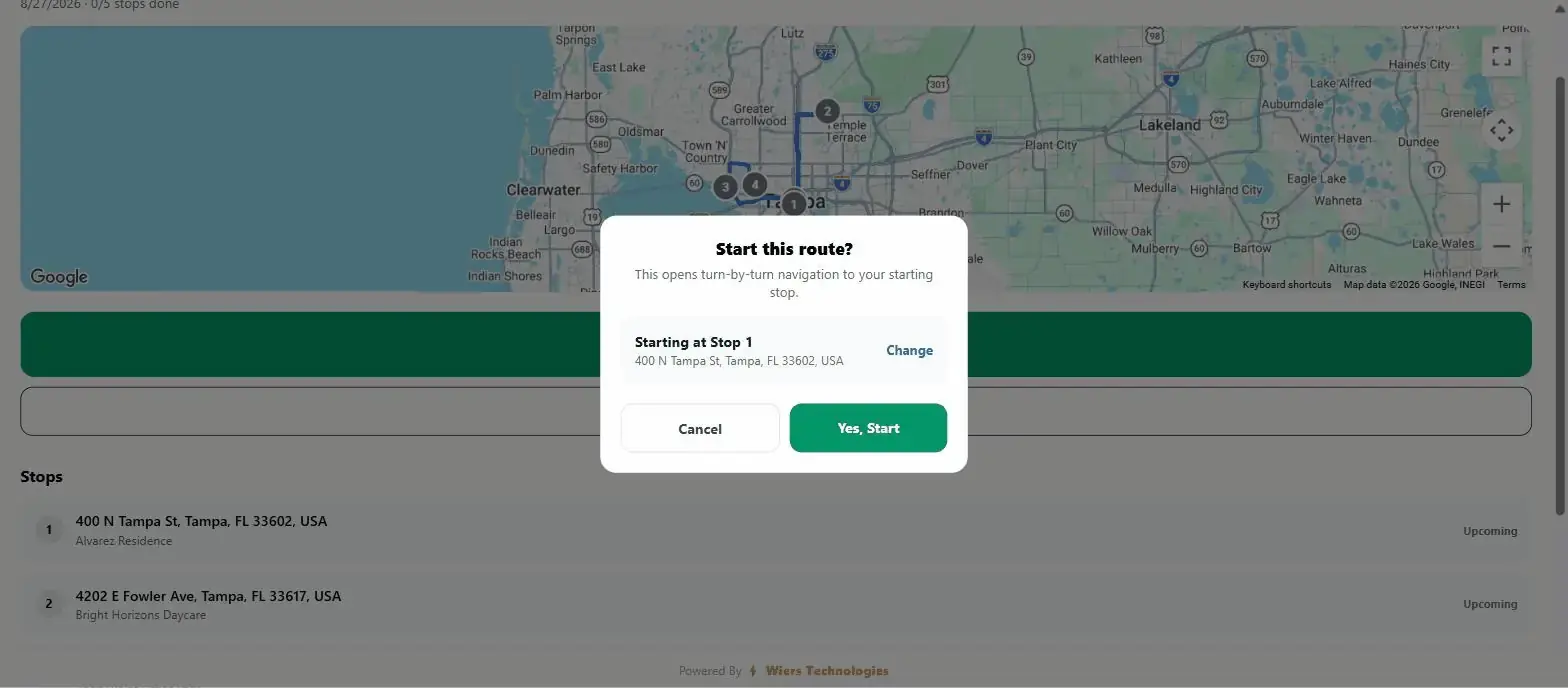
  1. The Start this route? dialog: it opens turn-by-turn navigation to the starting stop, with Cancel and Yes, Start buttons.

    Start

    START ROUTE opens turn-by-turn navigation to the first stop.

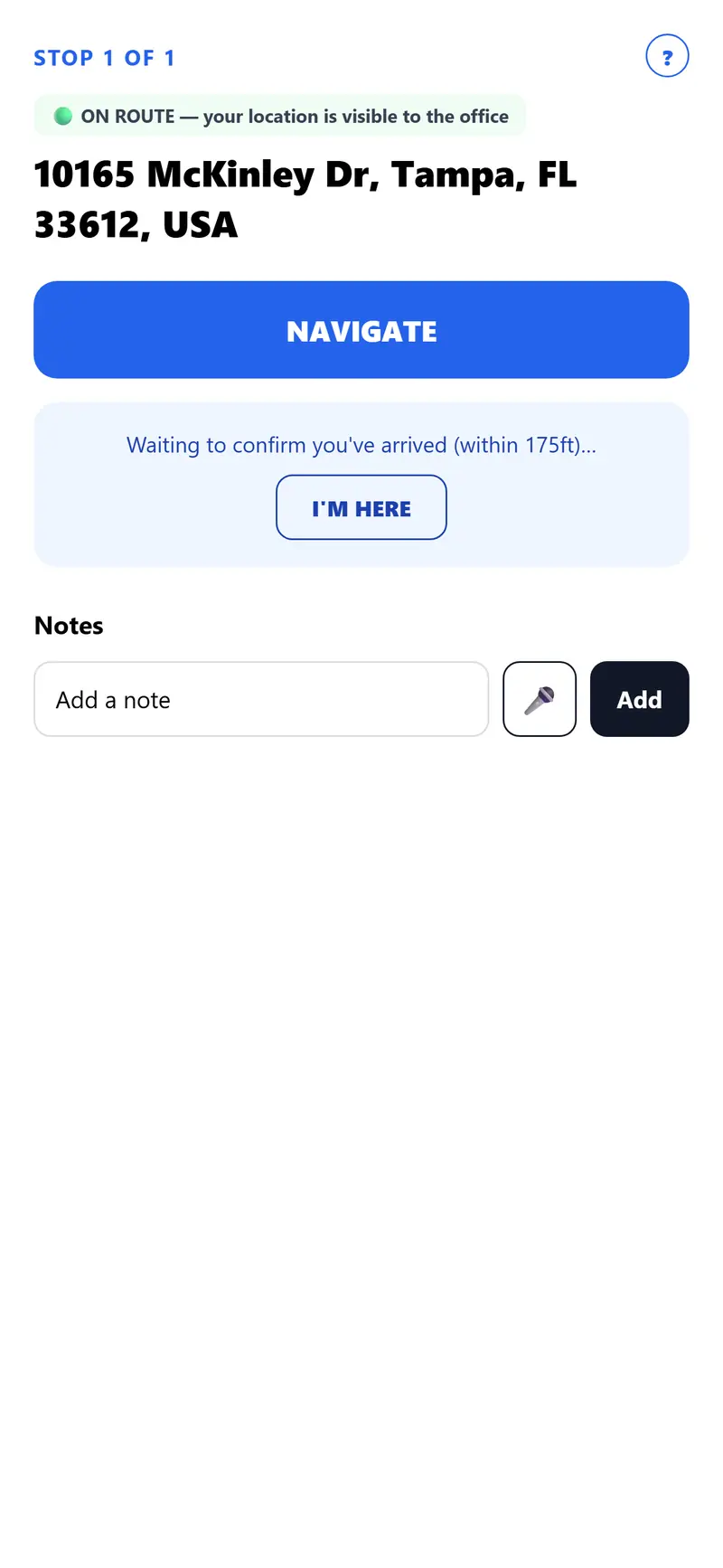
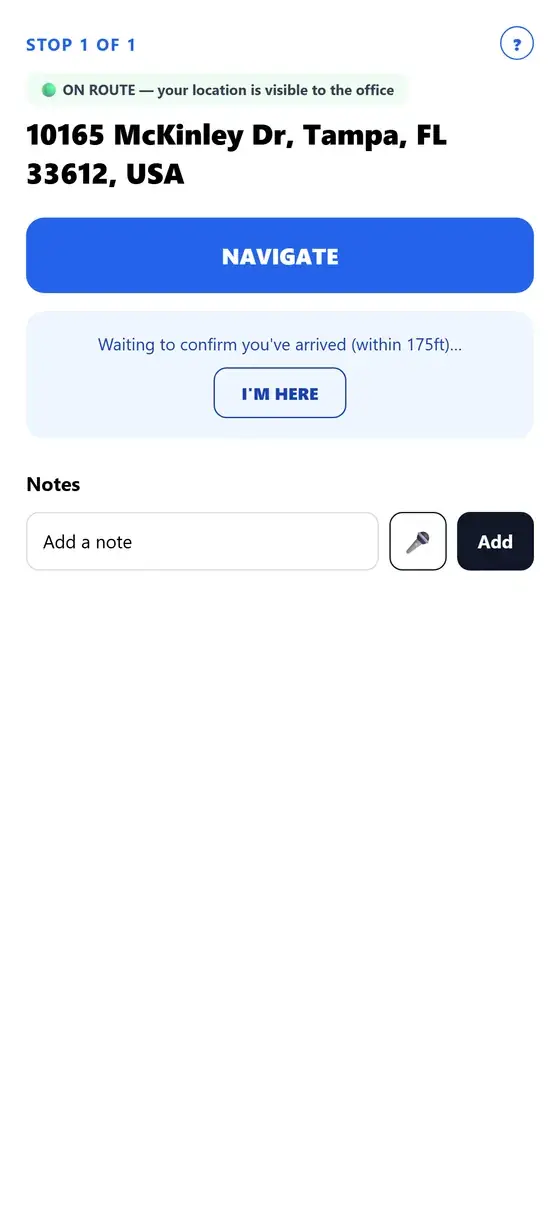
  2. The NAVIGATE button, and below it: Waiting to confirm you've arrived (within 175ft), with an I'M HERE button.

    Navigate

    Turn-by-turn navigation takes your driver from stop to stop. Drivers are checked in when they pull up, or tap I'M HERE.

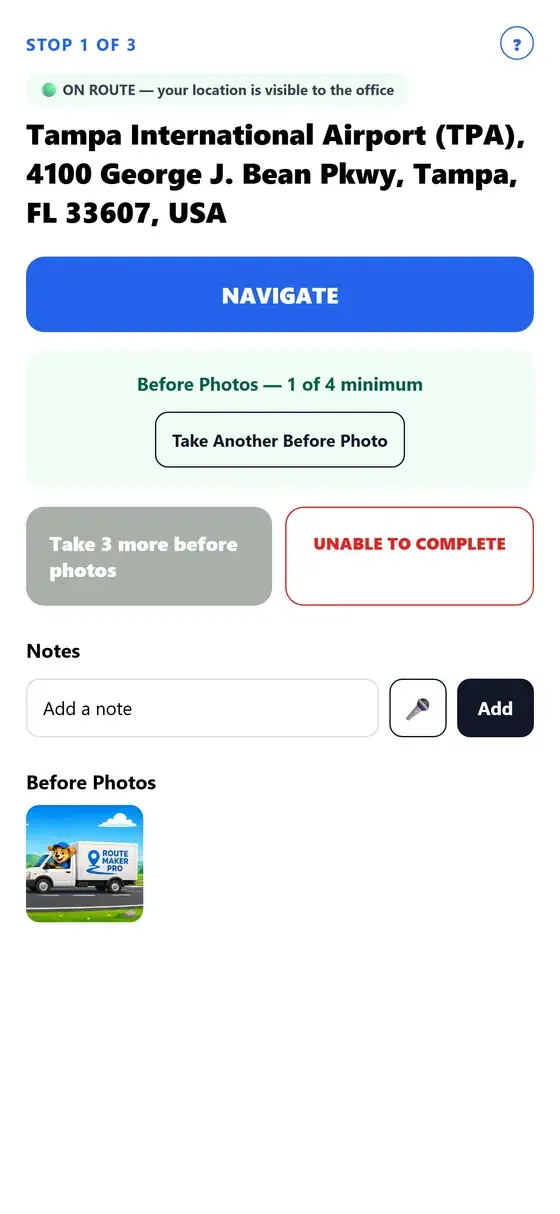
  3. The stop screen counting photos: Before Photos, 1 of 4 minimum, with a Take Another Before Photo button.

    Photo proof

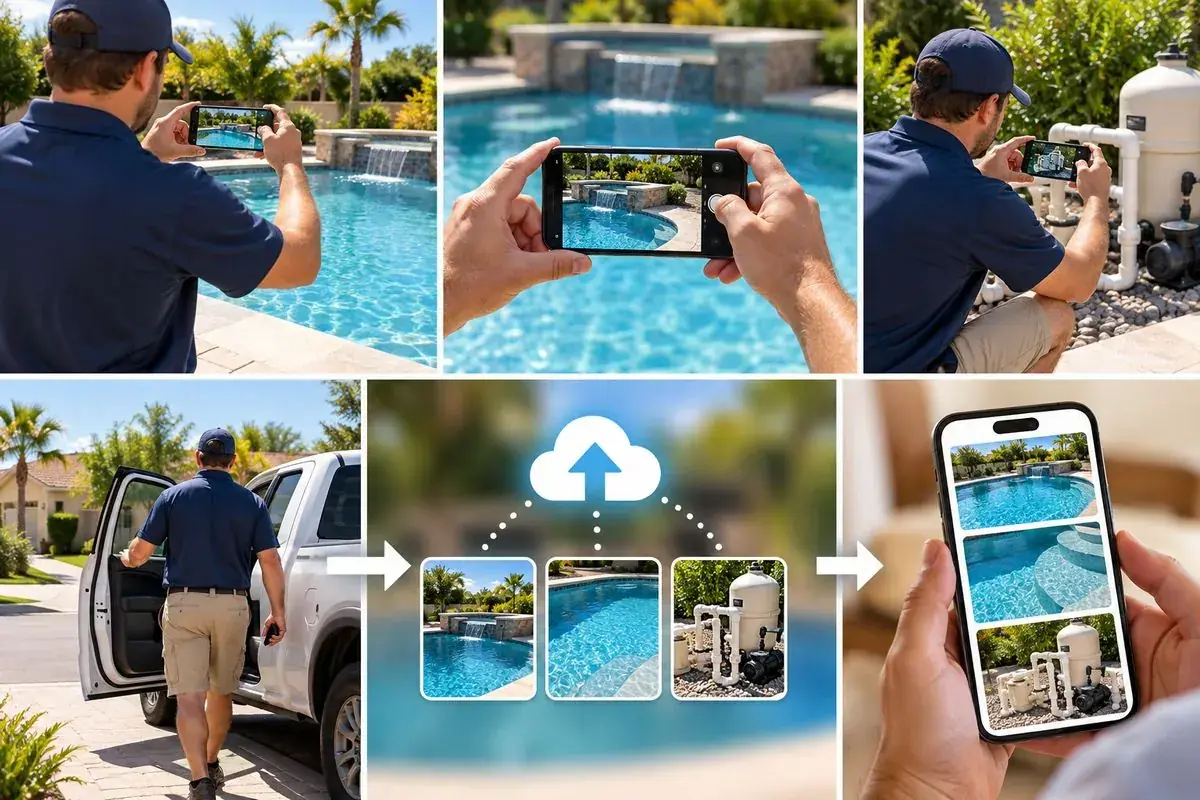
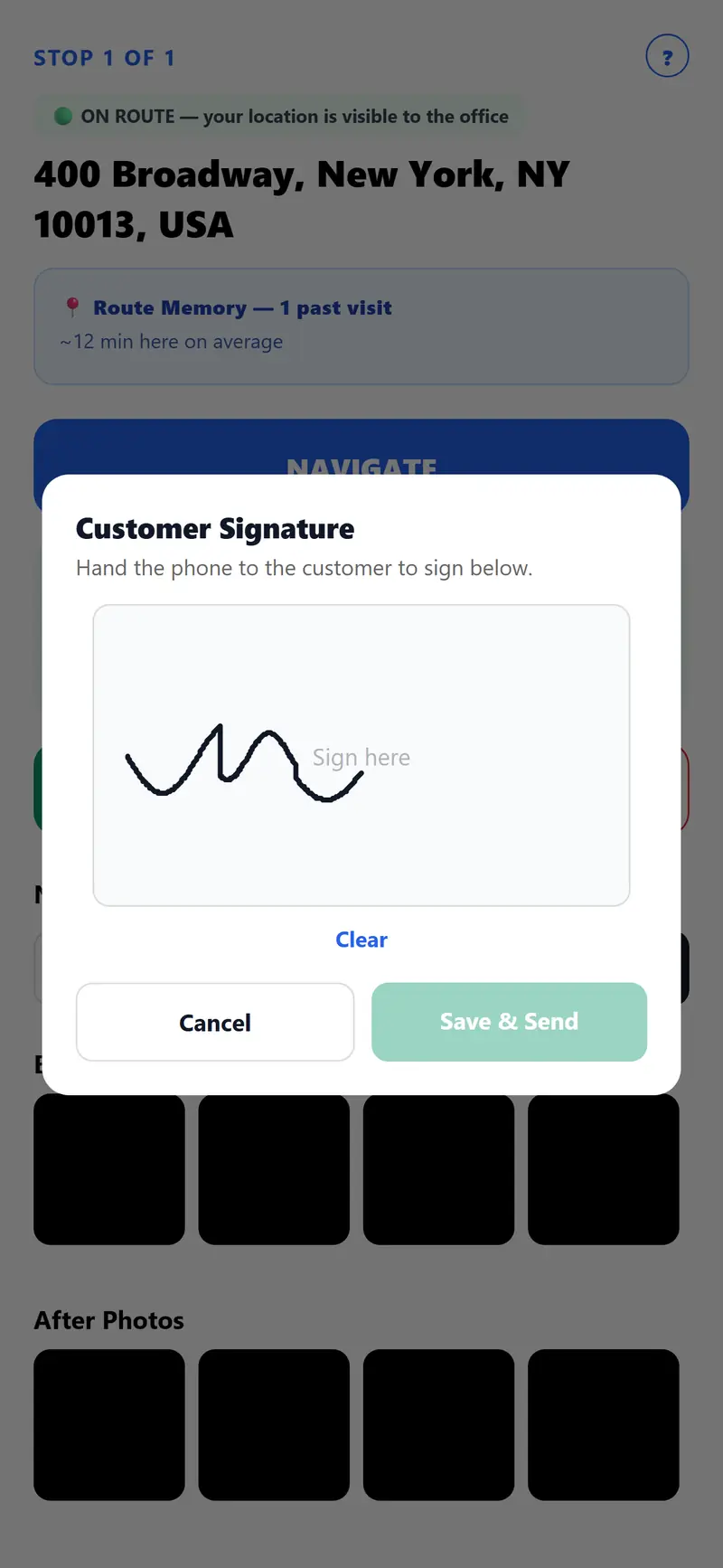
    Before and after photos. The email shows the date and time each was uploaded. On paid plans and the trial, you set how many each stop needs.

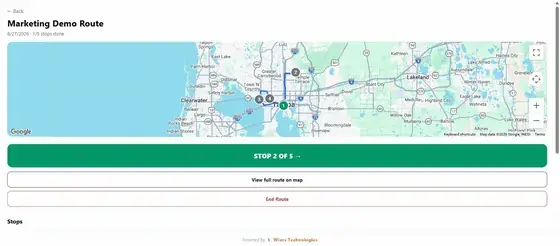
  4. The route screen after a finished stop: the route map and a green STOP 2 OF 5 button.

    Report sent

    Completion emails go to your office, your customer or both the moment the stop is marked done. Then it's on to the next stop.

Live route changes

Change the route mid-day. Your driver gets it instantly.

Add a stop, delete one, re-optimize what's left or leave a note while your driver is out, from your phone or your computer. Their route updates on its own while the app is open, and the iPhone and Android apps can send them a notification.

  • Add a stop, or delete one that isn't done yet. Paste one address or a whole list. A deleted stop shows on their list as “Cancelled by office,” and its history is kept.
  • OPTIMIZE REMAINING. Once your driver has started the route, this reorders only the stops not done yet, starting from their last reported location.
  • Notes and messages. Leave a note with photos on any stop. Once they've started the route, you can also tap MESSAGE DRIVER and ask them to tap GOT IT.
  • Know when they've tapped GOT IT. The route's Driver updates list shows each notice as SENT, DELIVERED or ACKNOWLEDGED (they tapped GOT IT), with the time it was sent.

Notifications need the iPhone or Android app, with notifications allowed. On Android, battery saving can delay them unless the app may run without restrictions. The website version has no notifications, but changes still show while the page is open.

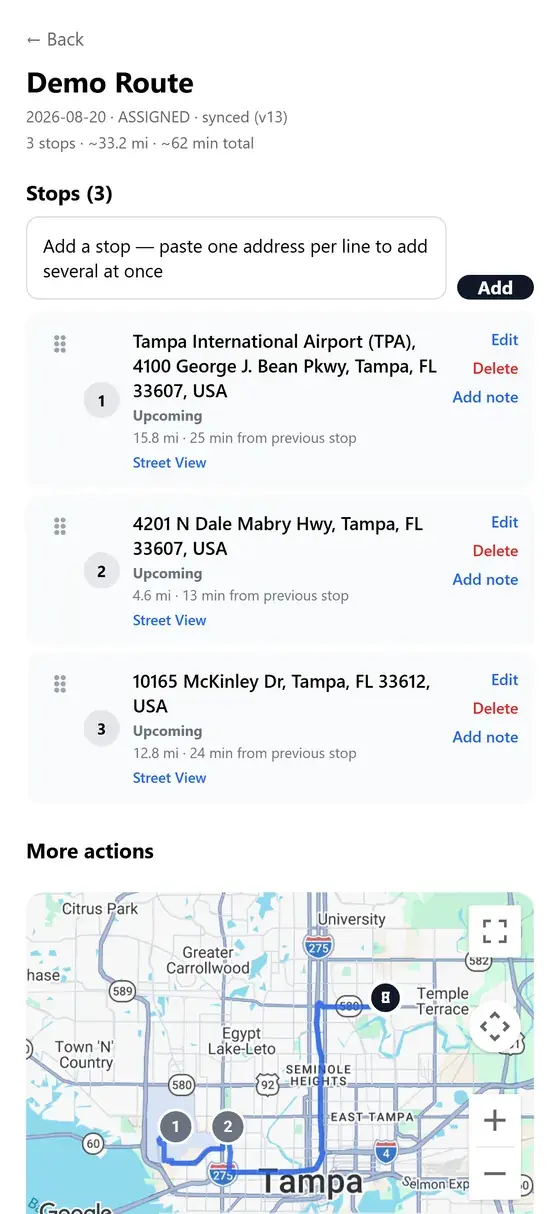
Your route screenOffice
One upcoming stop on the office's route screen, with a drag handle and Edit, Delete and Add note links.
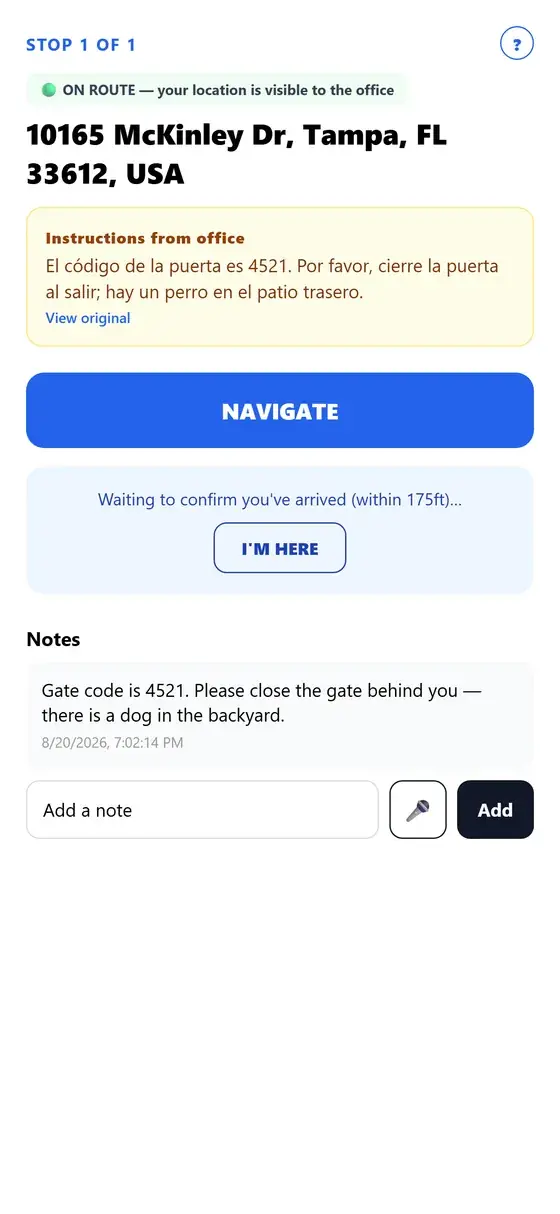
Office instructionsDriver
The Instructions from office box on a driver's stop screen, shown translated into Spanish, with a View original link.

Everything in one app

From the route to the payment

Every line here is a feature that is live today.

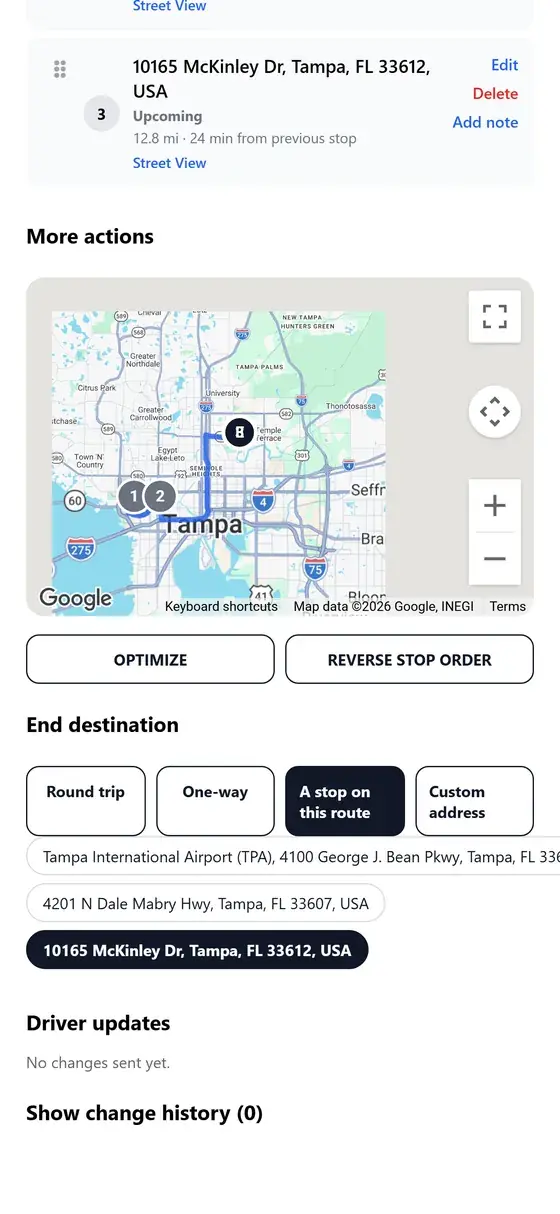
A route in Route Maker Pro: the stops on a map with the Optimize and Reverse stop order buttons.
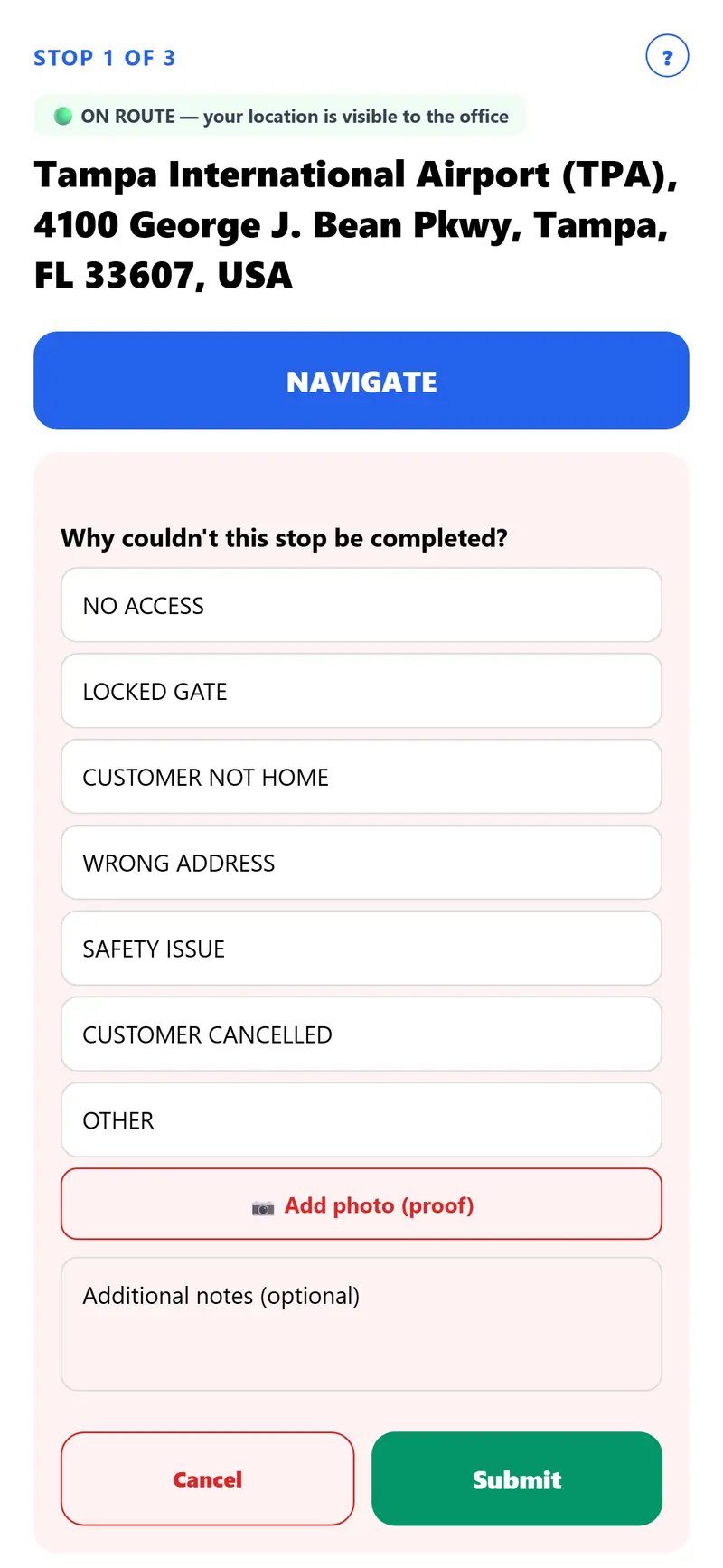
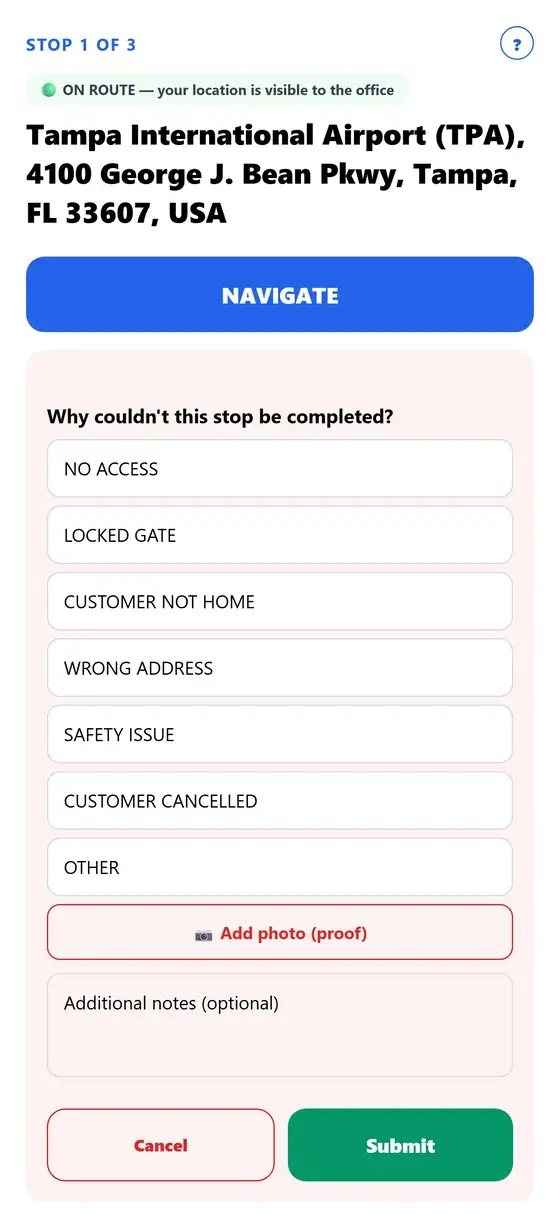
A driver's stop screen asking why the stop couldn't be completed, with reasons to pick and an Add photo (proof) button.
A route's stop list in Route Maker Pro, with a box to paste one address per line.

For the office

Plan the routes

  • Fastest stop order in one tap
  • Repeat jobs every week, every few weeks, monthly or yearly
  • Snap a photo of your customer list or upload a spreadsheet
  • Add your whole crew in one paste

For the crew

Run the day

  • Drivers are checked in when they pull up
  • Before and after photos, signatures and no-service reasons
  • Notes your crew reads in 13 languages
  • Change the route mid-day, and the driver's app updates on its own
  • See every stop finish live from the office

For your customers

Keep customers happy

  • A job report with photos emailed after every visit
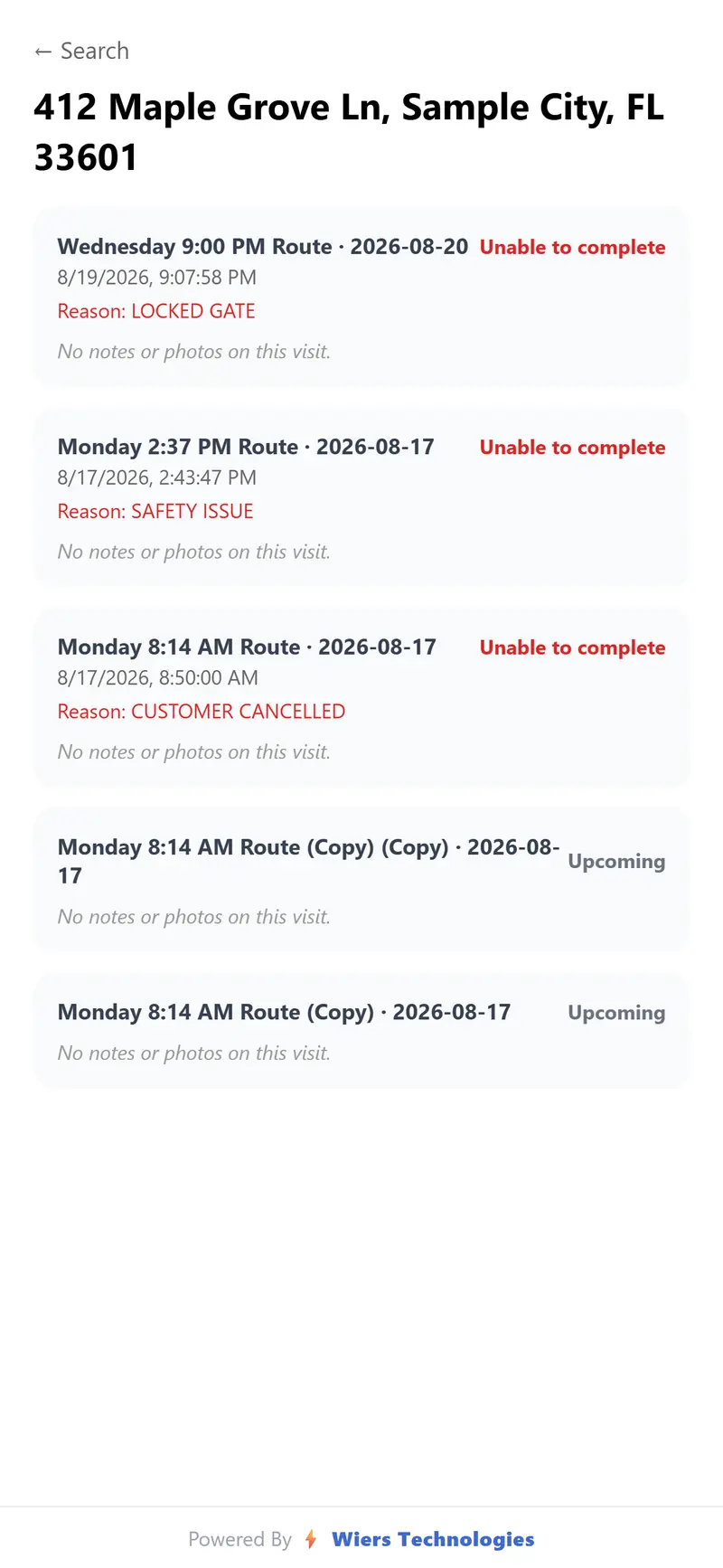
  • Full service history for every address
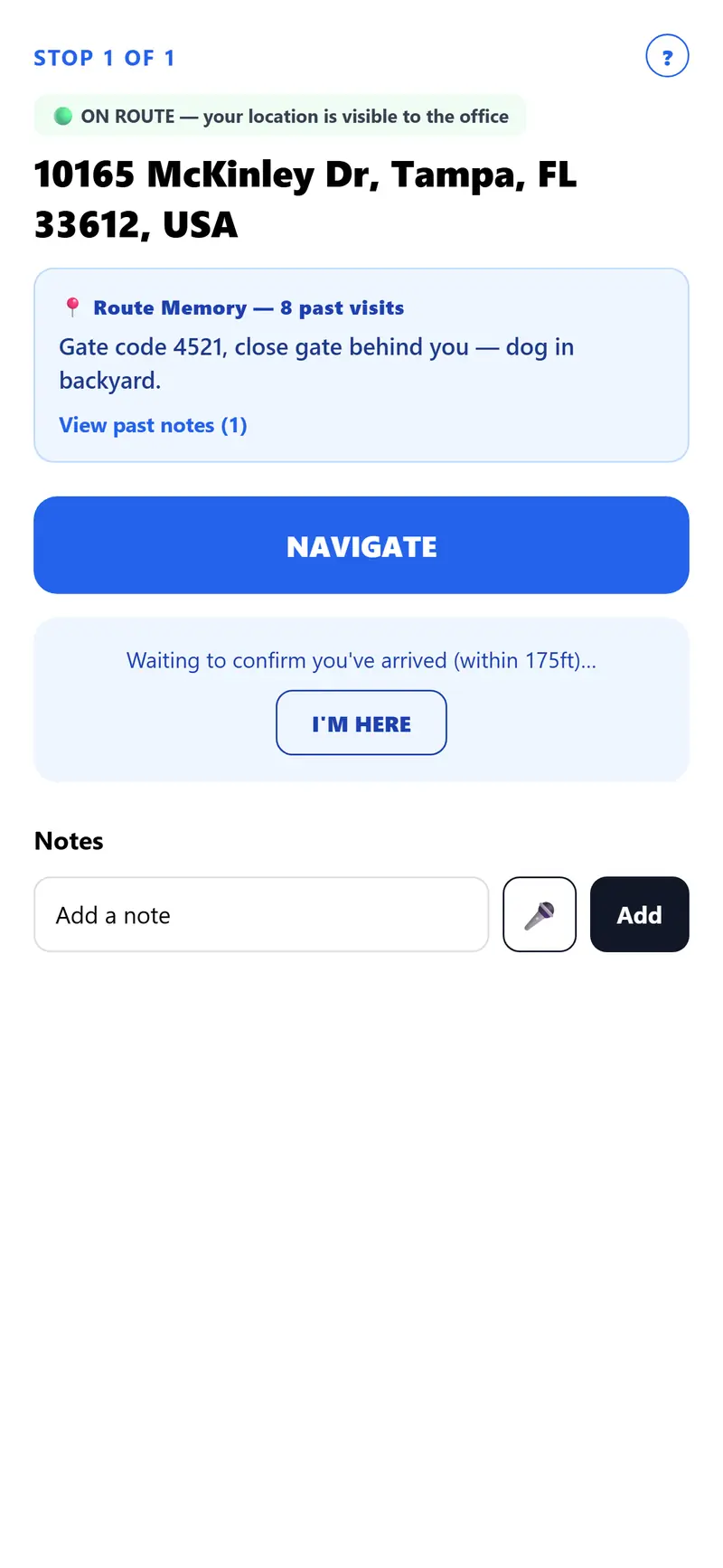
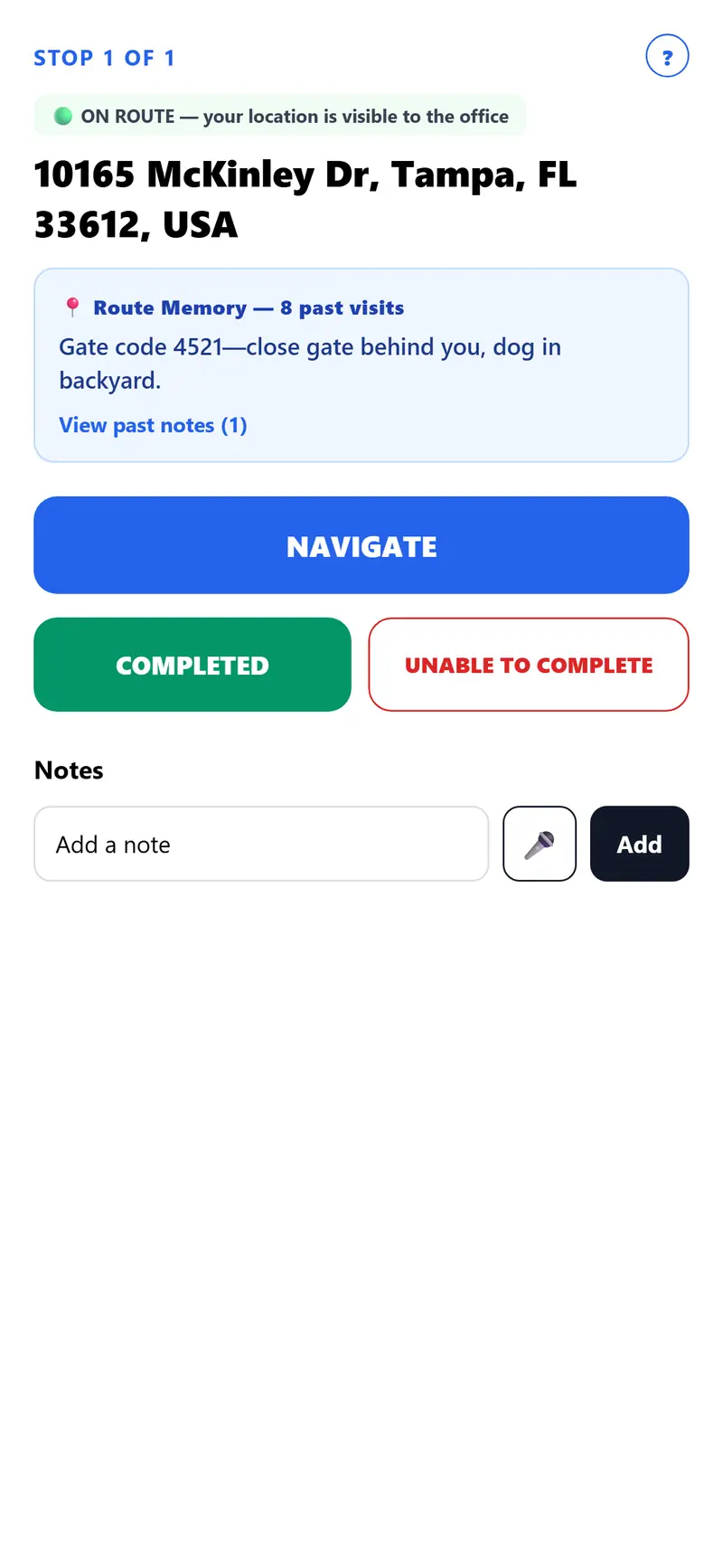
  • Gate codes, pets and notes remembered at each property
  • Send a promo email to all your customers

Pricing

Simple pricing, no surprises

Every paid plan gets every feature — what changes is how much room you need.

Every plan starts with a 14-day free trial, no credit card.

See full plan comparison
Plans and prices
PlanDriversPrice
FreeTry it out — 20 stops per route, one route a day, one note and 1 photo per stop (10 photos a month). Job reports go to your office only.1 driverFree
SoloFor the one-person operator — every feature unlocked, up to 25 stops per route.1 driver$19/mo
Solo PlusSolo, with more stops per route, more photos per stop, and 90-day photo retention.1 driver$35/mo
TeamUp to 3 drivers — add more for $39/driver.3 drivers$99/mo
BusinessUp to 6 drivers — add more for $39/driver.6 drivers$199/mo
GrowthUp to 12 drivers.12 drivers$399/mo
FleetUnlimited drivers, custom controls.UnlimitedContact us
What each plan includes

From the founderRoute Maker Pro

Built off of real routes, not in a boardroom

I'm Steve, and I'm in the Tampa Bay area. Route Maker Pro came out of more than ten years of watching routes go out in the morning and come back with the same problems: a stop nobody could prove was done, a gate code that lived in one driver's head, an office finding out at five o'clock what happened at nine. It was built with the drivers and route makers who use it every week, around what they actually need on a stop: one big button, directions that just open, proof before the truck pulls away, and an office that sees the stop turn green without a phone call. The core of it, the stop, the proof and the office view, runs on real routes every week.

— Steve W., founder

Ready to make your routes smarter?

No credit card